 Go to SERAPHIM
The new SERAPHIM app replaces BSPro2 App. It is installed on the home screen in 30 seconds, with no app stores and nothing to download.
Are you on your computer?
Scan this code with your phone's camera and the app will open.
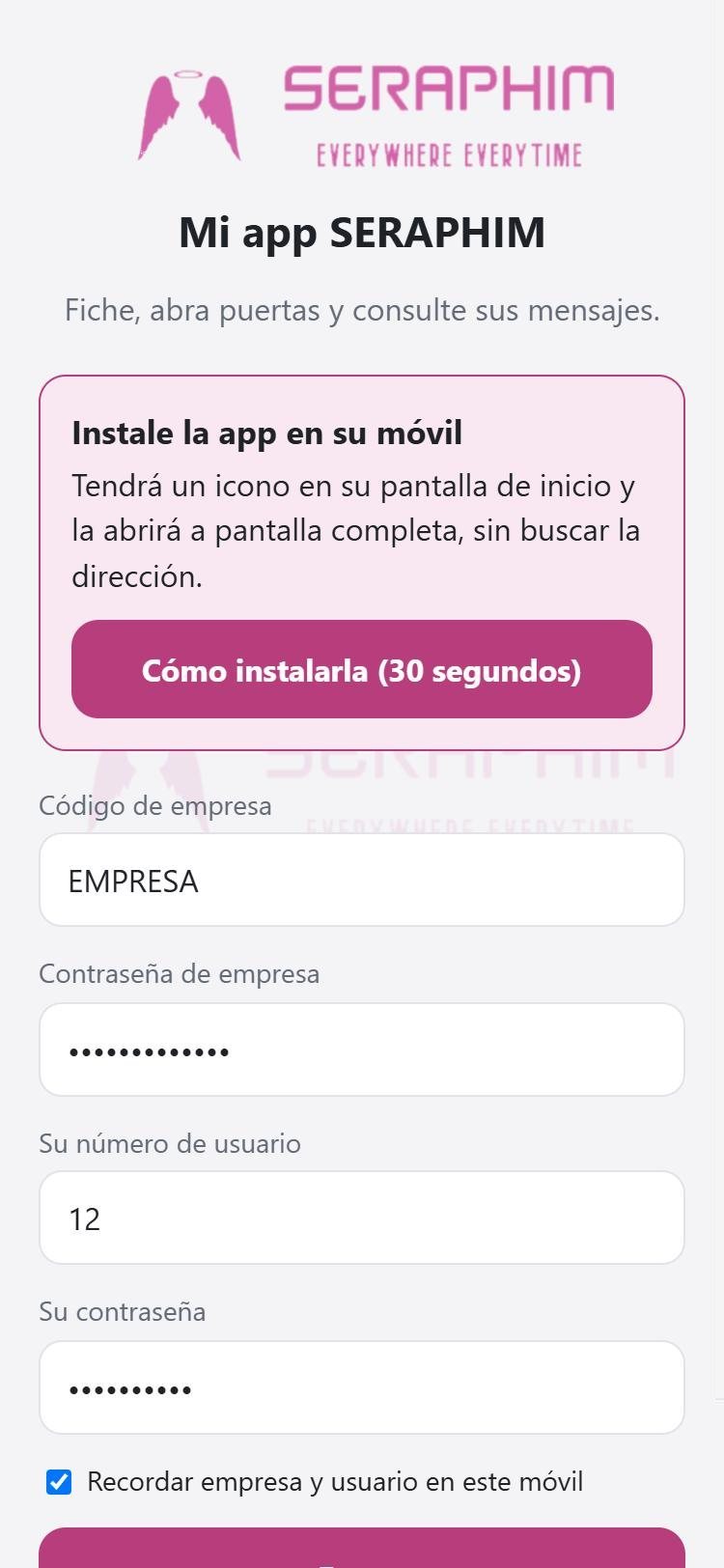
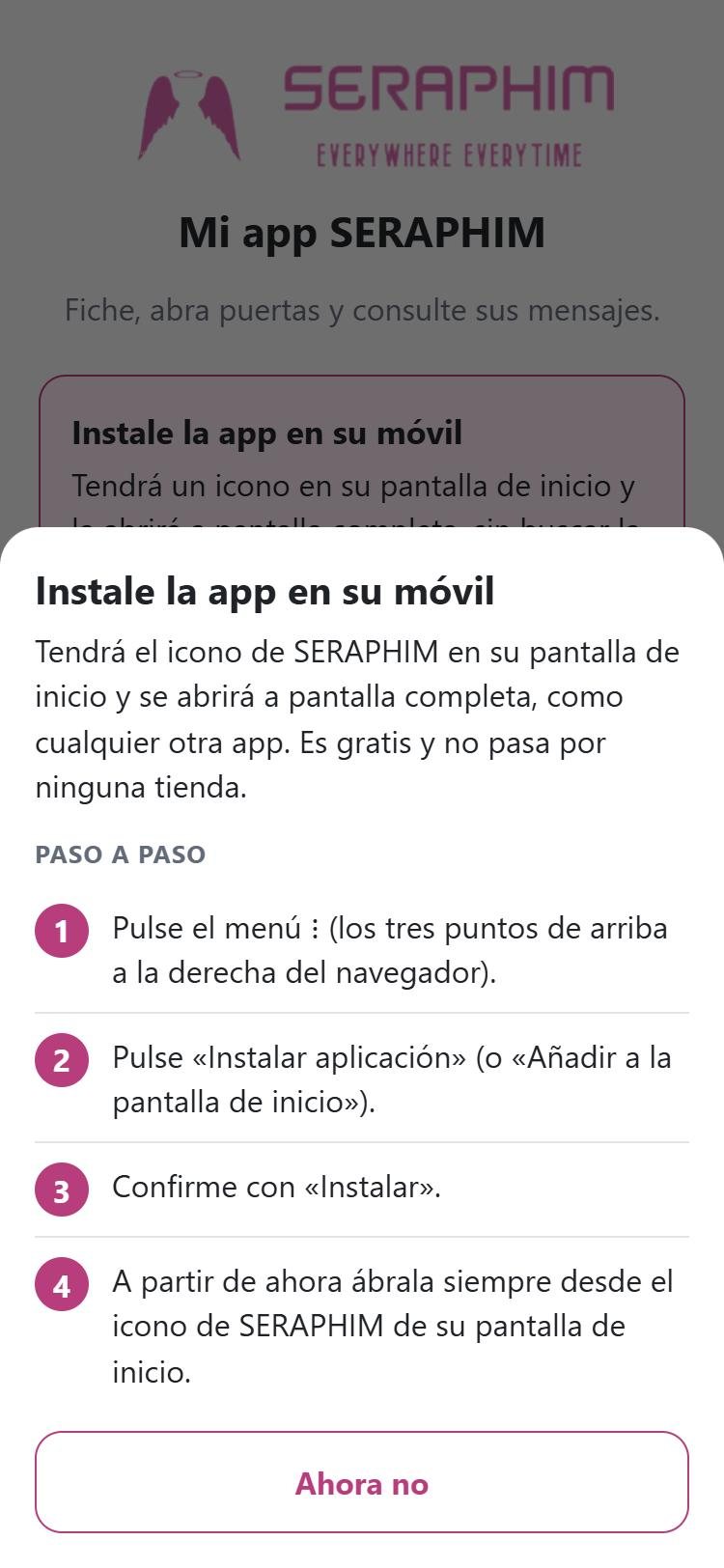
Open seraphim-suite.com/app in your mobile browser and follow the steps on your phone. After that it opens from an icon, full screen, like any other app.
Chrome, Samsung Internet, Firefox or Edge
Safari (if the address opened inside WhatsApp or your email, open it in Safari first)
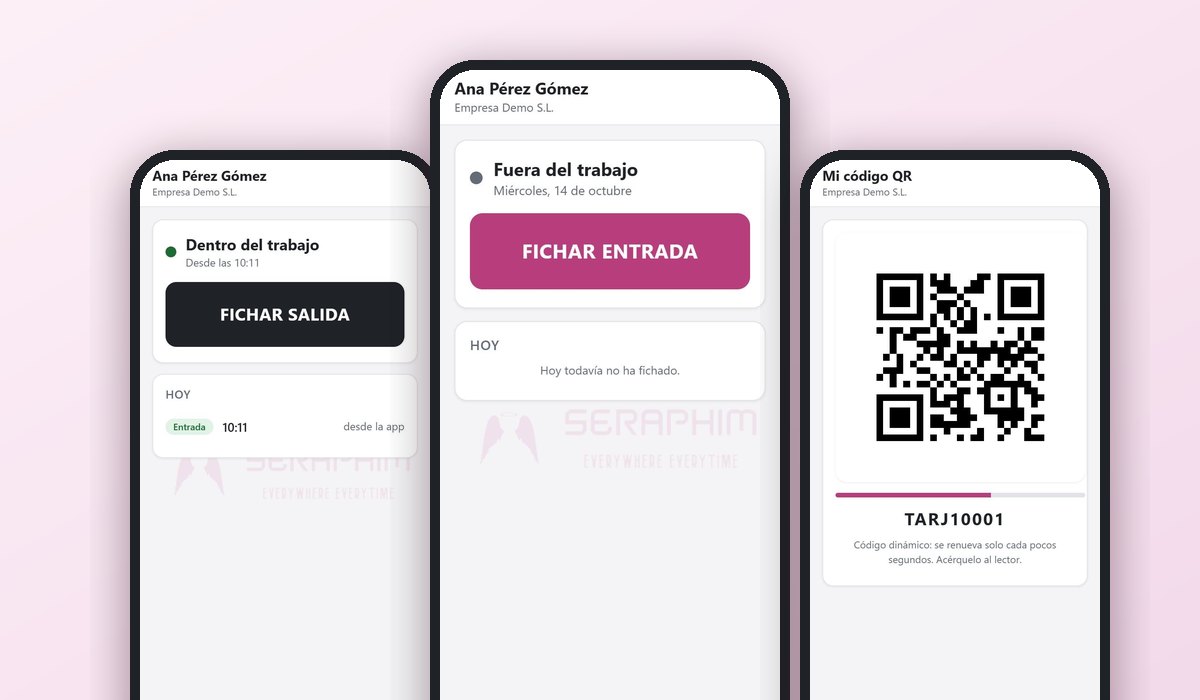
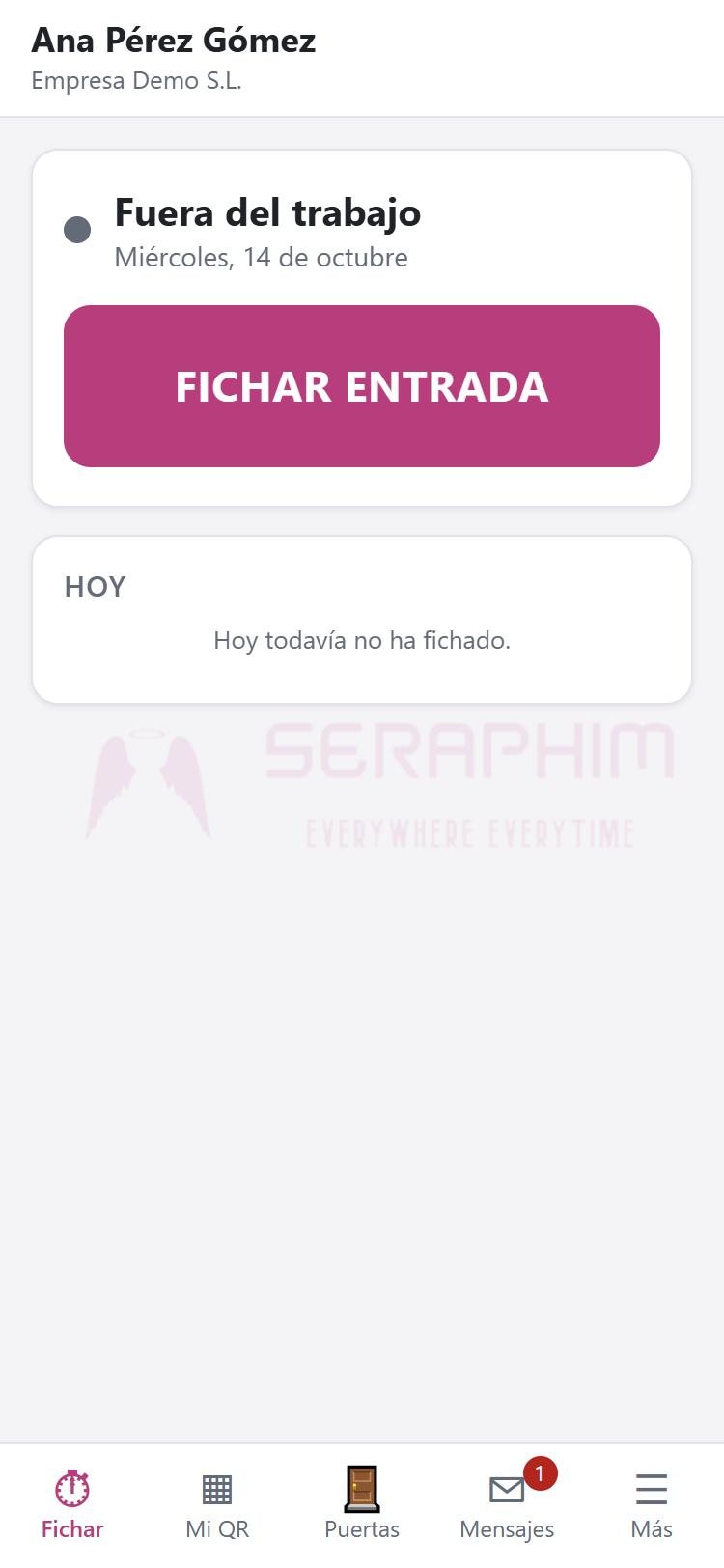
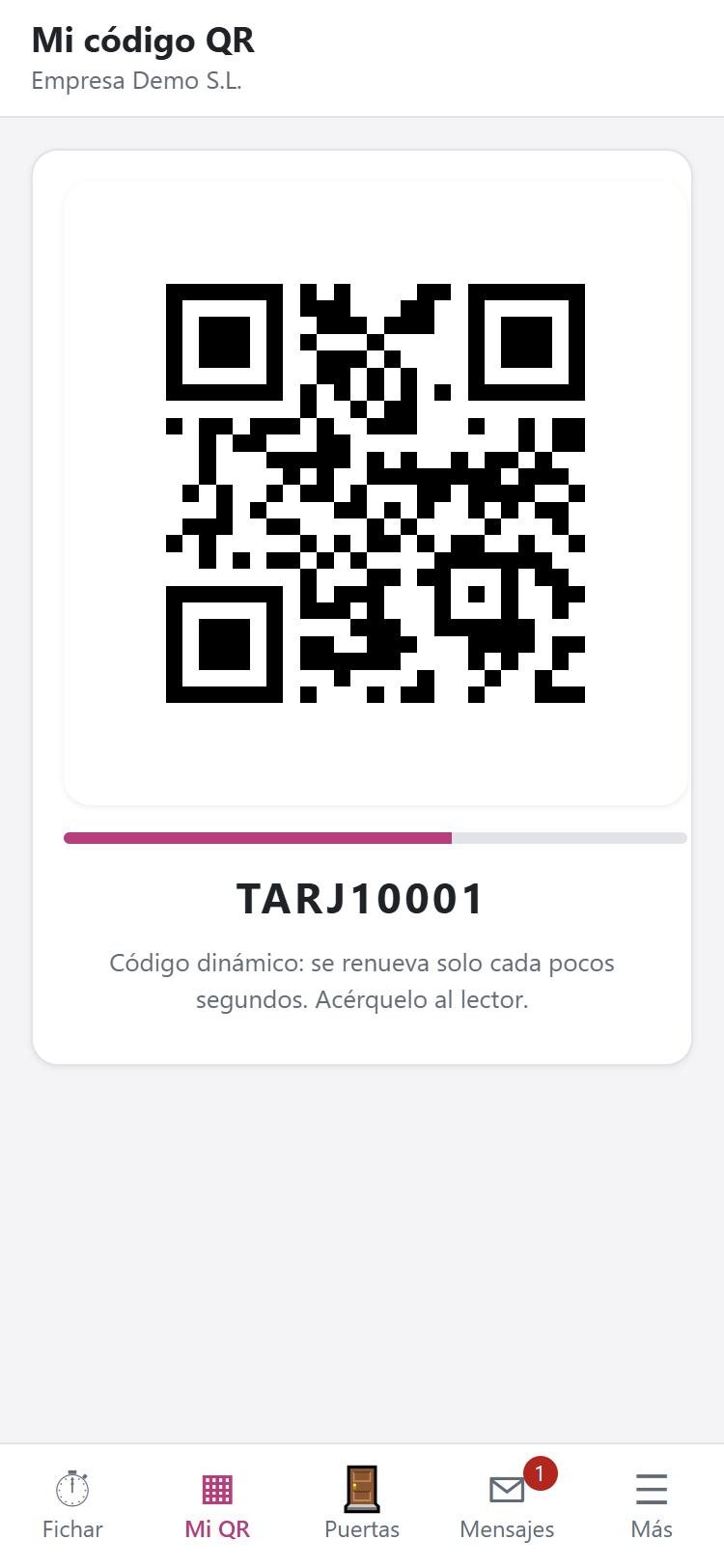
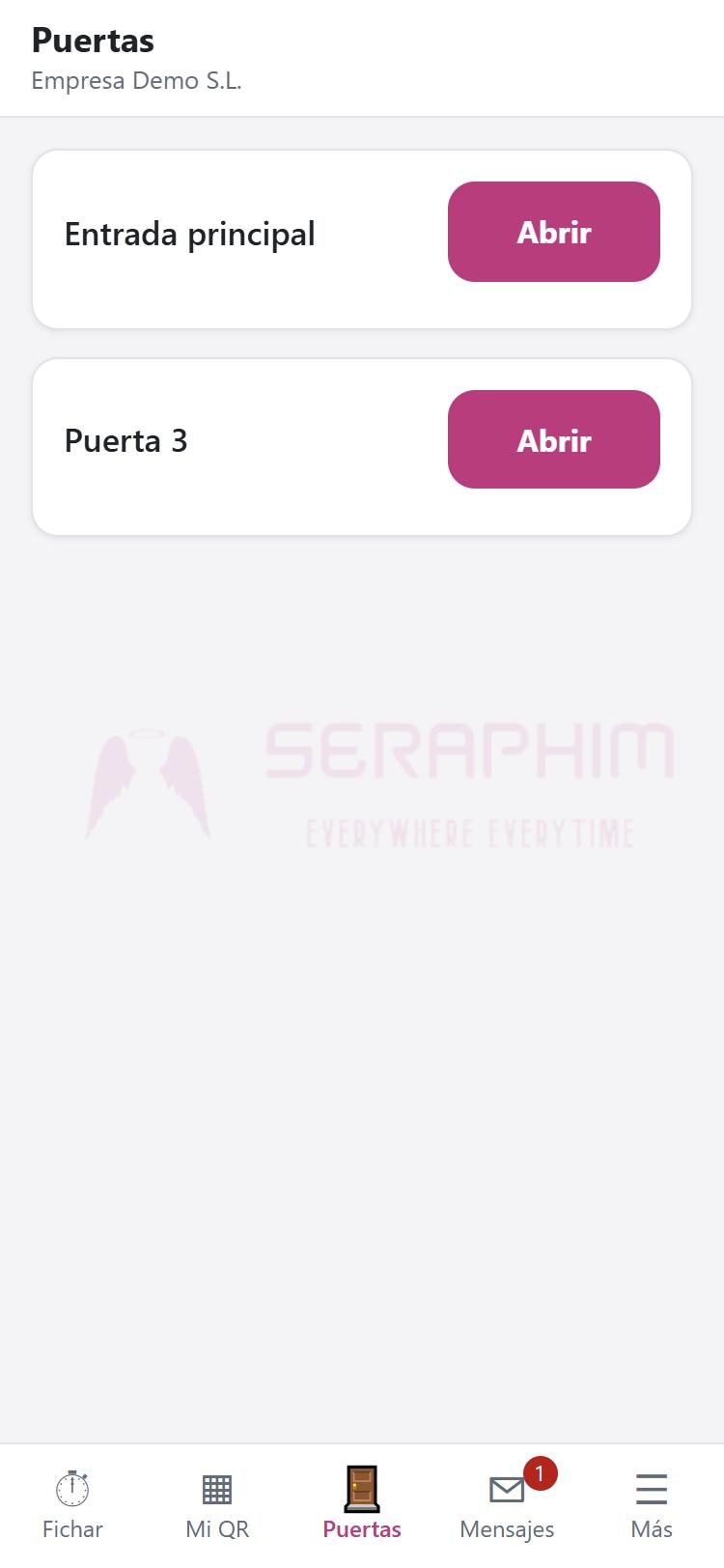
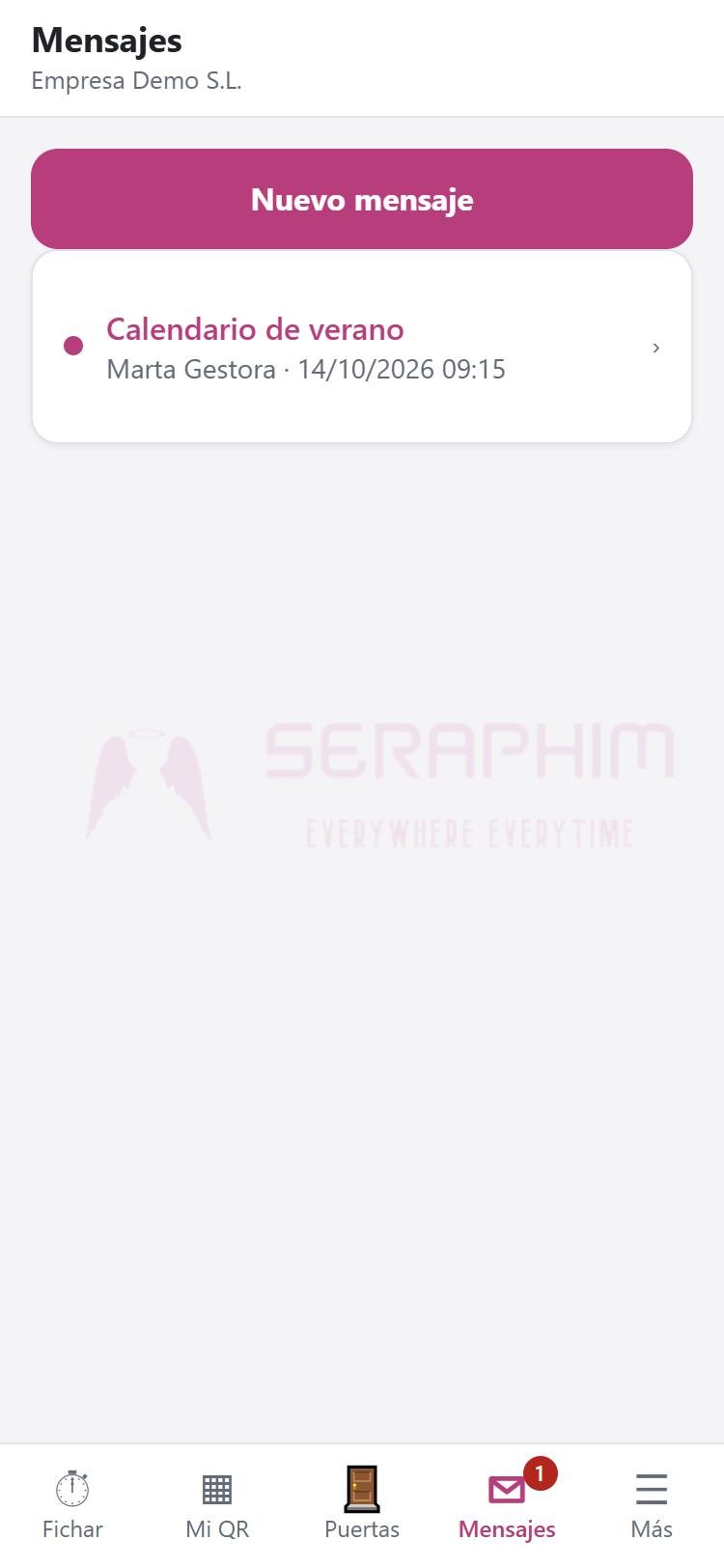
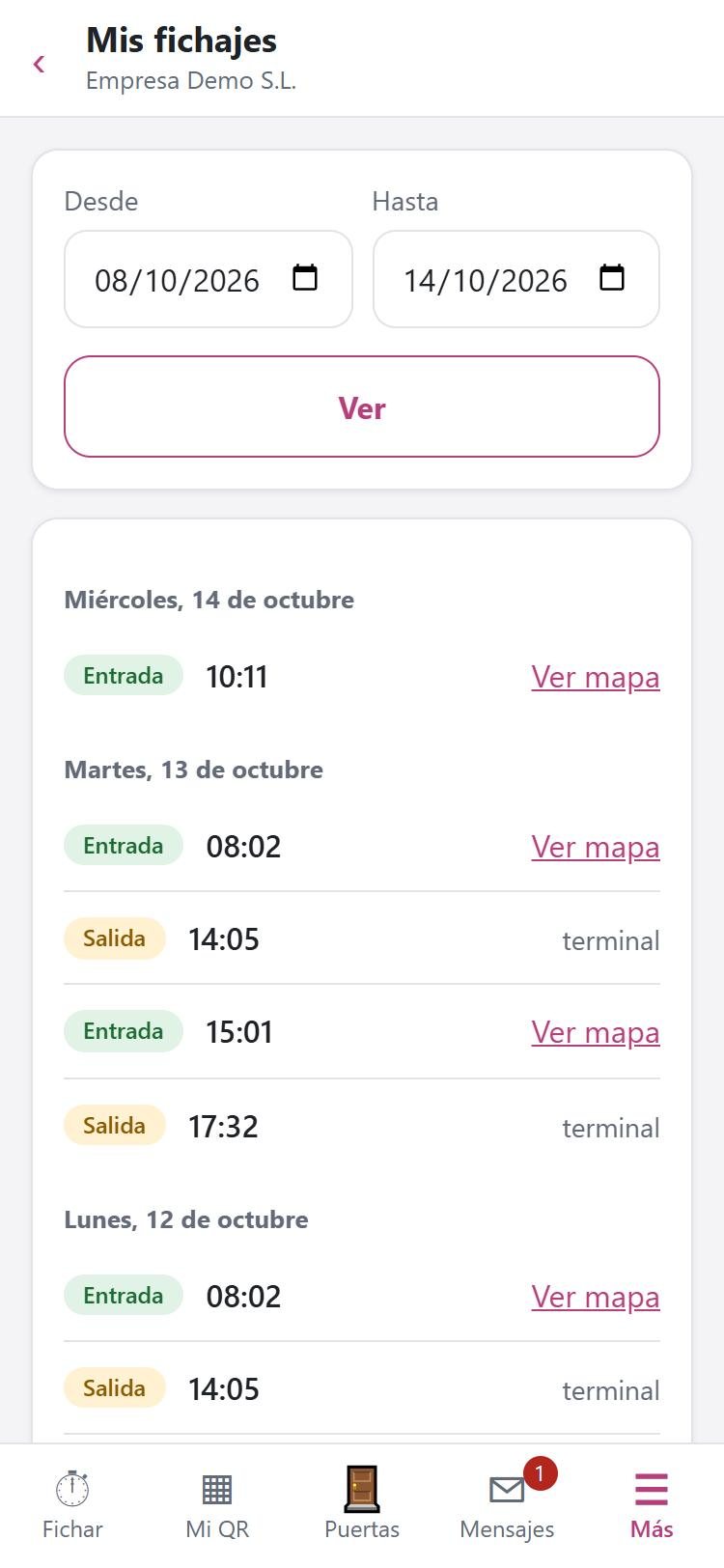
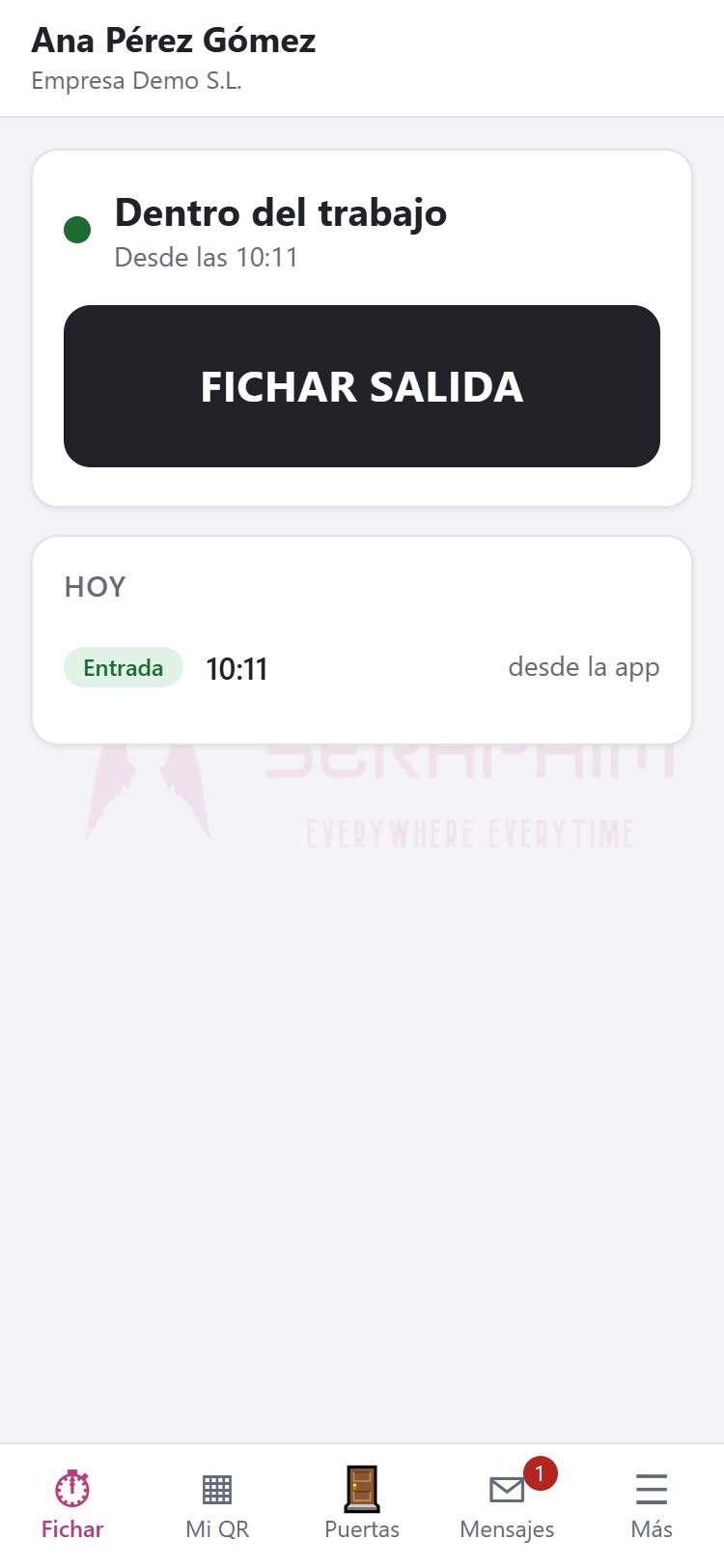
Real screenshots of the app.
No. It opens in the browser and is installed on the home screen. It does not go through the App Store or Google Play.
It keeps working as long as your company uses it. The new app reads and writes the same data: what is clocked in one is seen in the other.
Tap “Allow”. The app only checks where you are at the moment you clock in; it does not track you. If there is no signal you can clock in without a location and it is recorded as “no GPS”.
Check that your phone's date and time are set to automatic: the dynamic QR depends on the time.
Your company has not activated them or you do not have permission. Ask your administrator.